Free Excel Template
Free Construction Sample Register Template (Excel)
A sample and submittal register for tracking product samples, prototypes and technical submissions through review and approval. Organised by trade and spec reference, with four worked example rows. Free to download, no email required.
Who it is for
Contract administrators, project managers and site teams who need to keep on top of product samples and submittals across the trades. Use it to record what has been submitted, what the architect or consultant has approved, and what still needs resubmitting.
What is inside
The workbook has two sheets: the register itself, with four greyed example rows you can overwrite, and an instructions sheet that explains each column and every status value.
Columns on the register sheet
- Item. A reference number for the sample.
- Trade. The trade or package the sample belongs to, e.g. Tiling, Joinery, Windows.
- Spec Reference. The specification section that calls up the product.
- Product / Manufacturer. The product name and manufacturer being submitted.
- Status. One of Pending, Submitted, Approved or Rejected.
- Submitted Date. The date the sample was submitted for review.
- Approved Date. The date the sample was approved. Left blank until approved.
- Location of Sample. Where the physical sample sits, e.g. sample board, site office, with the architect.
- Notes. Any comment: revision, reason for rejection, or the next action.
Status values
Pending
Identified but not yet submitted for review.
Submitted
Sent for review and awaiting a decision.
Approved
Accepted and cleared for use on the project.
Rejected
Not accepted. Note the reason and resubmit a compliant sample.
How to use it
- 1.Download the file and open it in Excel, Google Sheets or Numbers.
- 2.Overwrite or delete the four greyed example rows.
- 3.Add one row per sample, grouped by trade and referencing the spec section that calls up the product.
- 4.Move each sample through Pending, Submitted, Approved or Rejected, and record the submitted and approved dates as they happen.
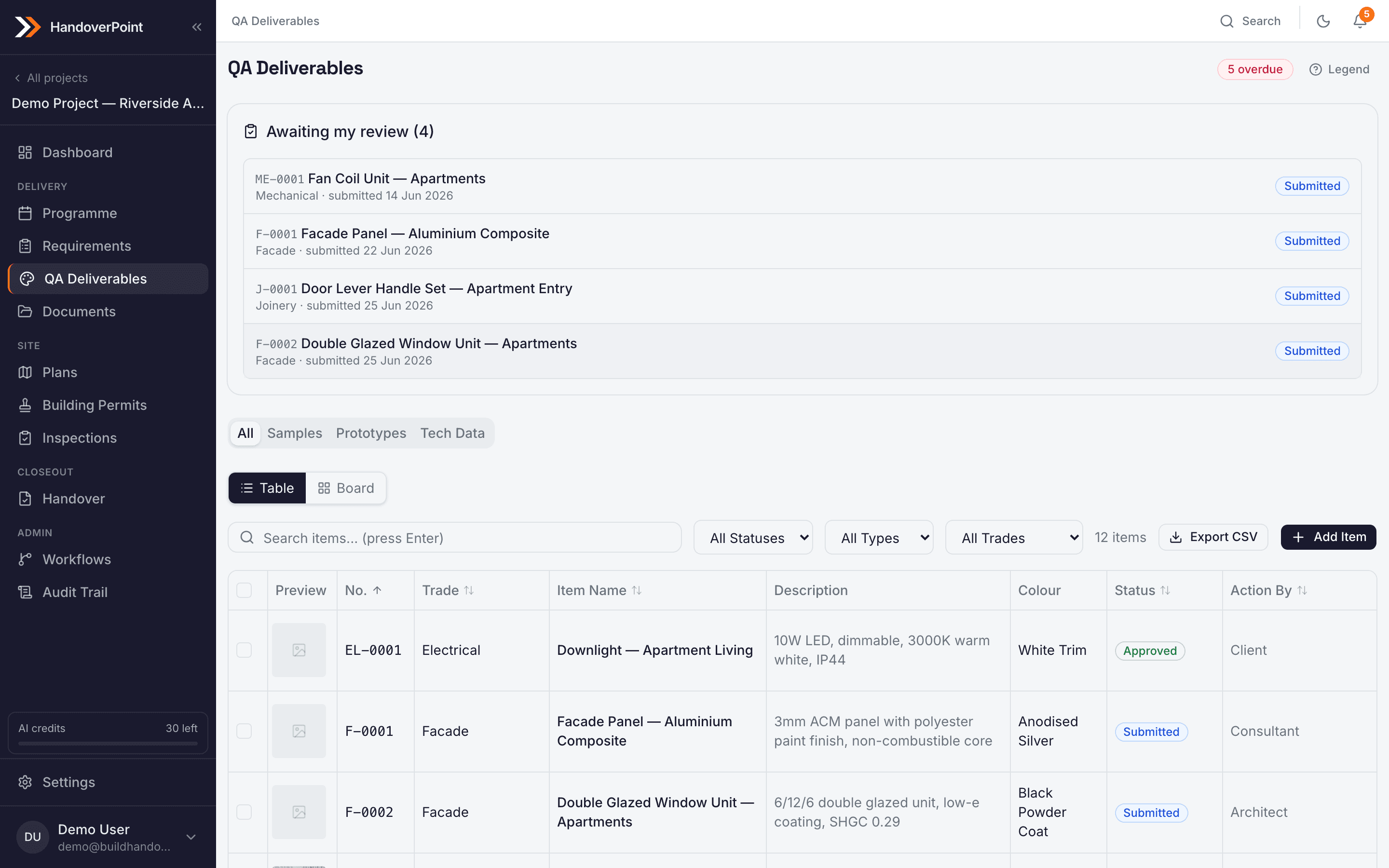
HandoverPoint pulls sample requirements from your spec
Instead of typing samples into a spreadsheet, upload your specification and let HandoverPoint extract the sample requirements for you. From there it runs the approval workflow, stores submitted photos and documents, and keeps a full audit trail of every decision.
No credit card required. One trial per user.